TuneIn Radio Pro - Live Radio
- 4.6
- Rating
- 1.00M
- Installs
- $9.99
- Price

 Analysis by App-foxy
I noticed the difference with TuneIn Radio Pro almost immediately: it is built around the idea that radio, talk, sports, music and podcasts should follow me wherever a reliable internet connection is available. That makes it more flexible than a traditional radio app, but it also means the quality of the experience depends heavily on the network around me. In a strong connection, it feels like a broad listening dashboard. In a weak one, even the best station directory cannot prevent interruptions.
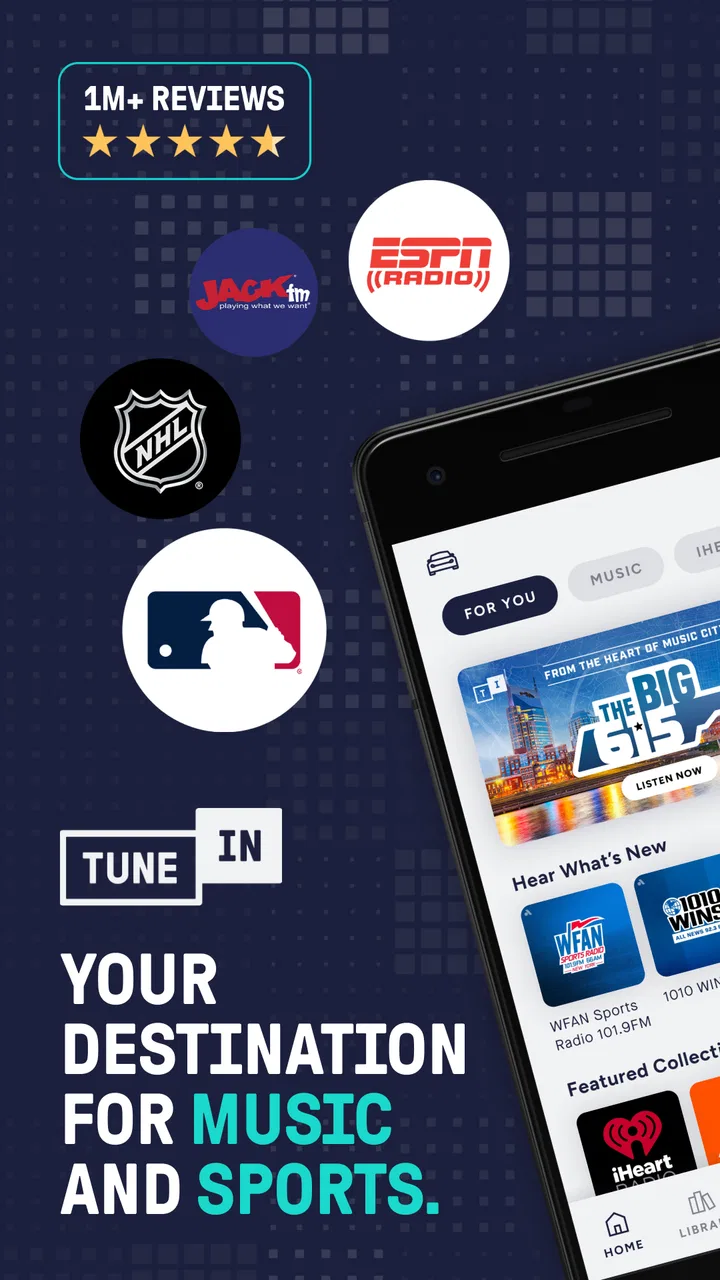
Developed by TuneIn Inc, this Music & Audio app combines live radio with sports coverage, news and talk programming, DJ-curated music, podcasts, and AM and FM stations. I found it most useful when I wanted a single place to move between different kinds of listening without switching between several specialist apps. It is less convincing for someone who only wants locally stored music or a perfectly predictable listening session.
The app has a 4.6 average from around 125 thousand ratings, with more than a million installs. Those figures suggest that its broad radio-first approach works for many listeners, although popularity does not remove the practical issue of depending on a connection. The current version is 42.3, and it supports devices running Android 7.0 or later. It is rated for Teen users, costs $9.99, and includes in-app purchases ranging from $0.99 to $99.99 per item.
You May Also Like

 Blood Strike: 2.5 Anniversary
Blood Strike’s Loadouts Turn Every Drop Into a Tactical Gamble
A close look at Blood Strike’s custom loadouts: how fast access to signature weapons reshapes its battle royale rhythm, rewards preparation, and narrows the gap between fights.

 Pandora - Music & Podcasts
Pandora’s Music Is Easy to Start, but Harder to Recover
Pandora’s strength is its low-effort path from a seed to a station. Its weak spot is how much confidence it asks you to place in connection, setup, and quiet recovery.

 8 Ball Pool
 Is Built on Rivalries, Rematches, and Routine
A close look at the rivalries, rematches, shared routines, and unanswered safety questions that turn a quick pool match into a persistent mobile community.

 Samsung Music
’s Quiet Strength Is Playing What You Already Own
Its reach comes less from spectacle than from dependable access to a personal library. That simplicity is both the app’s strongest retention engine and its ceiling.

 AccuWeather: Weather Radar
AccuWeather Review: A Quick, Clear Forecast for Everyday Decisions
For everyday plans, the best forecast is the one you can understand quickly. AccuWeather makes rain timing, radar, and local conditions easy to act on, with a few trade-offs.

 Hill Climb Racing
Why Hill Climb Racing Still Turns Crashes Into One More Run
A tiny car, a bumpy hill and one more upgrade: Hill Climb Racing keeps resurfacing because its simple chaos makes every near-miss feel personal.
More From Our News Desk



How TuneIn Radio Pro behaves when the network is doing the real work
When I use TuneIn Radio Pro on the move, I treat the network as part of the listening setup rather than something I can ignore after pressing play. A brief check before a commute or live event helps me tell whether the chosen station starts cleanly and whether another source is worth keeping in mind. That small routine makes the next decision easier: how to handle the handoff between listening at home, on the road, and wherever coverage changes.
Live listening is only as dependable as the connection
My main lesson from using this app is that connectivity is not a background detail; it is part of the product. When I had a stable connection, stations started quickly and the experience felt close to having a large radio receiver with a search function. I could move from a live sports broadcast to a talk station, then switch to music or a podcast without treating each choice as a separate app.
The live nature is also what makes the app engaging. A scheduled broadcast, breaking news discussion or sports event has a sense of immediacy that an on-demand music library does not always provide. I liked being able to open the app with a specific purpose, such as following a match, and then continue listening to something less demanding afterward.
That immediacy creates a trade-off. A live station cannot be made as predictable as a downloaded album. The stream may begin with a short wait, pause when the signal changes, or need to reconnect after the phone moves between connection types. I would not blame the app for every interruption, but I would still count network sensitivity as a real part of the ownership experience.
A realistic commute shows both sides
Imagine using it on a morning commute. At home, I might start with a local AM or FM station, move to a news discussion while preparing for work, and then choose music once the commute becomes repetitive. That variety is where the app earns its place. I do not need to remember which service carries which type of audio because the same interface covers several listening habits.
On a route with consistent coverage, this feels effortless. On a route with tunnels, underground sections or patchy mobile service, the experience becomes less smooth. A live broadcast can stop at exactly the moment I care about, and reconnecting may require patience. For that reason, I would use it confidently for ordinary travel with dependable coverage, but I would not make it my only plan for a long journey where missing audio matters.
A useful habit is to start the chosen station before leaving a stable connection. This does not turn the stream into offline audio, and I would not treat it as a guarantee against later interruptions. It simply gives me a chance to confirm that the station is available and playing before I am already dealing with traffic, movement and changing signal conditions.
Mobile listening rewards deliberate choices
On a phone, the app makes the most sense when I have a clear listening goal. Browsing everything at once can be tempting, but it is more efficient to decide whether I want live sports, news and talk, a music station, a podcast, or a familiar AM or FM broadcast. That small decision reduces random switching and makes the app feel less crowded.
I also found that live and on-demand listening serve different moods. A live station is good when I want company, current conversation or the feeling of joining something already happening. Podcasts are better when I want to choose the subject and listen at my own pace. Music stations sit between those options: they provide a curated flow without requiring me to build a playlist track by track.
This distinction matters if you are comparing the app with a music streaming service. A typical music service is usually the better option for precise artist selection, personal playlists and repeat listening. TuneIn Radio Pro is more appealing when discovery, live programming and radio-style variety matter more than exact control over every track.
What happens when playback fails
When a stream stopped during testing, the first thing I considered was whether the problem followed the station or the connection. Trying another station is a practical diagnostic step. If several sources fail, the network is the more likely concern. If one station struggles while others play, the issue may be specific to that broadcast source rather than the entire app.
This simple check is more useful than repeatedly pressing play on the same item. It also helps set expectations: TuneIn is an access point to many broadcasts, not a promise that every individual stream will behave identically. Some stations may be available one moment and less responsive the next because live sources have their own technical conditions.
I recommend keeping the recovery process simple. Stop the stream, wait briefly, and try again rather than rapidly changing stations several times. If that does not help, switching from mobile data to a stable Wi-Fi connection, or the other way around, can reveal whether the current network is the problem. I would also avoid judging the whole app from one failed broadcast until another source has been tested.
The weakness is that recovery is not always invisible. A traditional radio may fade and return as the signal changes, while an internet stream can pause more noticeably. That interruption is especially frustrating during live sports or a news segment. If uninterrupted real-time audio is essential, a conventional radio receiver or a service with content already stored on the device may be a safer companion.
Using it without wasting mobile data
Because the app centers on streamed audio, mobile data deserves attention. I would avoid leaving a live station running for hours when I am close to a data limit, particularly if I am not actively listening. Starting a stream for background sound and then forgetting it is an easy way to use more data than intended.
My practical approach is to use Wi-Fi for long listening sessions and reserve mobile data for shorter, intentional periods. I would also stop playback when leaving the room or getting out of the car instead of assuming that silence means the stream has ended. The important point is not a particular data figure, since usage can vary with the source and listening pattern, but the habit of treating continuous streaming as an active connection.
There is another subtle trade-off here. The app’s greatest strength is its range of live choices, yet that range encourages browsing. Every extra switch or preview can extend the session without adding much value. Choosing a station or podcast before starting, rather than sampling endlessly, makes the experience more economical and less distracting.
For people who regularly listen in places with expensive or unreliable mobile service, this limitation may outweigh the variety. A downloaded podcast app or locally stored music collection gives more control over when data is used. I would choose TuneIn for connected listening, not as a replacement for every offline audio habit.
Sports and news make connection quality more important
Sports and live news are probably the areas where network reliability matters most. Missing a few seconds of casual music is annoying; losing the key part of a match or a developing discussion feels much worse. I found the app more compelling for these situations than for passive background music because the live element gives the connection a clear purpose.
At the same time, I would not rely on one stream during an important event without checking the connection beforehand. A quick test on the intended network can expose problems before the broadcast becomes important. If I were traveling, I would also consider whether the route has dependable coverage rather than assuming that a familiar station will play continuously.
This is one of the app’s less obvious trade-offs: the broader the content choice, the more tempting it is to treat the service as a universal audio backup. It is excellent at bringing many listening options together, but it cannot make a weak network strong. The directory may be wide; the listening conditions are still local and unpredictable.
Who will appreciate the connected approach
I would recommend it to someone who enjoys radio as a habit but wants more choice than a physical receiver provides. It suits listeners who move between live sports, talk programming, music stations, podcasts and familiar broadcast formats. It is also useful for people who dislike maintaining several audio apps for different purposes.
The app can be especially convenient for a household where listening tastes change throughout the day. One person may want a live station in the morning, another may prefer a podcast later, and someone else may look for sports coverage. Rather than promising one perfect personalized stream, it offers a broad set of listening doors in one place.
I would be more cautious about recommending it to someone who mainly wants albums, exact songs, offline playback, or detailed playlist control. A dedicated music service is likely to feel more direct in those cases. Likewise, people with strict data limits or frequent coverage problems should think carefully before paying for an experience that still depends on streaming conditions.
What the paid version changes in my decision
The $9.99 price makes me judge the app by how often I would use its radio breadth, not by whether it can replace every other audio service. If I regularly listen to live stations, sports, talk and podcasts in one place, the convenience can justify paying for it. If I only open it occasionally to hear one local broadcast, the purchase is harder to defend.
The in-app purchase range, from $0.99 to $99.99 per item, is another reason I would review the payment screens carefully before confirming anything. I would not assume that every available option is necessary for ordinary listening. My advice is to identify the specific content or listening habit that brings you to the app and judge the cost against that use, rather than paying simply because the catalog looks broad.
The Teen content rating also matters in a practical way. The app covers news, talk and live broadcasts, so I would not treat it as a child-focused audio environment. For family use, I would decide which stations or programs are appropriate instead of handing over the phone without guidance.
Small workflows that make the app easier to live with
One workflow I found useful was separating “lean-in” listening from “background” listening. For a live sports broadcast or news discussion, I would choose the source first and keep the phone in a place where reconnecting is easy if needed. For background music, I would avoid constant browsing and select one station for a longer stretch. This reduces interruptions caused by my own switching.
A second useful habit is testing alternatives before an important listening session. If a favorite station is slow to start, I would check another source while the network is stable. That does not guarantee a substitute will carry the same program, but it prevents me from discovering a problem only after the event has begun.
A third is matching the app to the environment. At home or on dependable Wi-Fi, its variety is a real advantage. In a basement, on a remote road, or anywhere coverage changes frequently, I would pair it with another audio option rather than expecting live streaming to behave like stored content.
These are not glamorous features, but they are the habits that determine whether the app feels reliable. The catalog alone is not enough. The best experience comes from choosing the right source, the right connection and the right listening purpose before pressing play.
My connectivity verdict
After using it as a radio-centered audio app, I see TuneIn Radio Pro as a strong choice for connected variety rather than a universal answer to listening. Its combination of live sports, news and talk, curated music, podcasts, and AM and FM radio gives it a broader role than a standard music player. The app is at its best when I want to discover or follow live programming without juggling several services.
Its central weakness is inseparable from its central appeal: live internet audio needs a dependable connection. The app can make many sources available, but it cannot prevent buffering, coverage gaps or mobile-data concerns. I would be comfortable recommending it to a friend with reliable Wi-Fi or mobile service who genuinely uses several of its content types.
My final recommendation is conditional but positive: choose it if live radio and broad audio access matter more to you than offline certainty and precise music control. Skip it if your priority is downloaded listening, exact song selection or uninterrupted playback in weak-signal places. For the right listener, it is a convenient audio hub; for everyone else, a simpler specialist app may be the better fit.
FAQs for TuneIn Radio Pro - Live Radio
01What is TuneIn Radio Pro, and what can I listen to with it?
TuneIn Radio Pro is a streaming radio app that brings together live AM and FM stations, news channels, music stations, sports broadcasts, podcasts, and other audio content in one place. During testing, its main appeal was the wide variety of categories and stations available worldwide. You can search by station, location, genre, or program and save favorite content for quicker access later.
02Does TuneIn Radio Pro require a subscription or offer in-app purchases?
TuneIn Radio Pro is generally presented as a paid or premium version of TuneIn, but availability, pricing, and included benefits may vary depending on your country, device, and current store listing. Some content may still involve separate premium access or advertising restrictions. Before downloading, check the Google Play Store or Apple App Store page carefully to confirm the purchase price, subscription terms, renewal conditions, and any additional in-app purchases.
03Can I listen to TuneIn Radio Pro without an internet connection?
TuneIn Radio Pro is primarily an online streaming service, so an active Wi-Fi or mobile data connection is normally required for live radio stations, news, sports, and most podcasts. It is not designed as a traditional offline music player. If offline listening is important to you, review whether the particular podcast or premium feature supports downloads, and remember that downloaded content may have usage limitations.
04Does TuneIn Radio Pro include live sports and local radio stations?
Yes, TuneIn can provide access to many live sports broadcasts, talk programs, news stations, and local or international radio channels. However, availability is not identical everywhere. Broadcasting rights, regional restrictions, station schedules, and blackout rules can affect what you are able to play. A station appearing in search does not always guarantee that every program or sporting event will be available in your location.
05Is TuneIn Radio Pro easy to use on Android and iPhone?
The app offers a familiar browsing experience on both Android and iOS, with sections for live radio, podcasts, sports, news, favorites, and recently played content. Searching for stations is generally straightforward, although the large catalog can sometimes feel busy. Performance also depends on your device and connection. Users should keep the app updated and review permissions, notification settings, and mobile-data usage before regular listening.
Pros
- Huge selection of live stations
- podcasts
- news
- and sports worldwide.
- Ad-free listening creates a cleaner experience than the free version.
- Background playback works well while using other apps or locking the screen.
- Favorites and personalized recommendations make regular stations easy to find.
- Supports listening through phones
- tablets
- cars
- and compatible smart speakers.
Cons
- Some premium content and features may vary by country or region.
- Audio quality depends heavily on the station’s original broadcast stream.
- Live broadcasts can include delays
- especially for sports and breaking news.
- The large catalog can make browsing feel cluttered at first.
- It requires a stable internet connection for uninterrupted live playback.

TuneIn Radio Pro - Live Radio
Gallery